
VR

VR is a mode in Super Smash Bros. Ultimate that allows players to spectate and play single-player matches using the Nintendo Labo VR Goggles or any similar device. The mode was introduced as part of the 3.1.0 update.
Overview[edit]
The VR menu button is located in the upper-righthand corner of the Games & More section, depicting the Nintendo Labo VR Goggles as its icon. When highlighting the button, it turns into diagonal cyan, yellow and magenta stripes, matching the aesthetic of Nintendo Labo. Upon selecting the mode, a message appears suggesting various safety tips, and warns to restrict usage of VR mode for children age six and under. The player is then given a new message instructing to insert their Nintendo Switch into the VR goggles, although the game never checks whether the system is actually inserted into them. The button to progress past this message is disabled while in docked mode, meaning VR mode cannot be used in tandem with the handheld mode boost introduced in Nintendo Switch 2 system version 22.0.0. After this, the screen then switches to two smaller screens, each with a fish eye lens effect, and asks the player if they can see with the goggles. Finally, the player must calibrate the Nintendo Switch gyroscope by setting the goggles down on a flat surface.
After setting up VR mode, a special version of the rules page is shown. The match style is restricted to time matches between 1 and 10 minutes long, and options such as items and Final Smashes are disabled. After deciding the rules, the player chooses one of the 59 stages available in VR mode, followed by selecting the fighters in the character selection screen. Only up to four character slots are allowed in VR mode, and Mii Fighters are not available. All four character slots are set to CPUs by default, however the player can participate by setting the first slot to P1 if desired.
While in a match, the player can look around the stage using the VR goggles, as well as reset the direction they are facing by pressing R . 12 of the 59 available stages support full 360° camera movement, while the remaining 49 will fade the screen to black and instruct the player to reset the direction if they attempt to look too far away from the stage. The player can also zoom in and out as well as pan the camera, although these controls must be accessed from the pause menu if the player is controlling P1. In-game effects will disappear if the camera is zoomed in far enough. The Move List and Connect Controller options in the pause menu are not accessible in this mode.
The in-game HUD and pause menu are displayed in an open matte 16:9 aspect ratio, whereas the other menus and the results screen are displayed in bordered 16:9. The versus splash screen and the screen transitions for the results screen (except for Joker's unique transition) are also disabled, with the screen cutting to black instead.
While in VR mode, a pop up reminding the player to take a break appears periodically. The player can end VR mode by backing out into the Games & More menu or by pressing  , removing the Nintendo Switch from the VR goggles, tapping the Close button on the touch screen, and then reopening the game.
Playable Stages[edit]
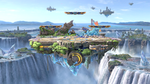

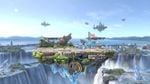
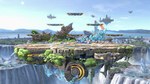




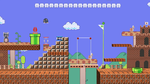

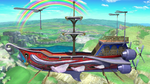



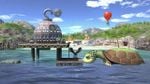






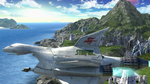

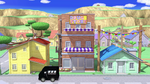

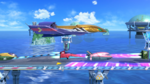


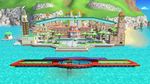

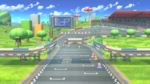
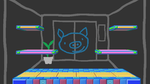

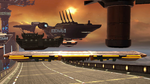
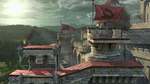



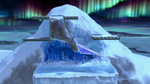

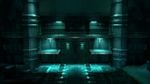

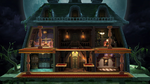




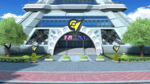

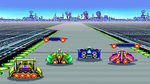

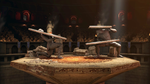

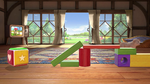

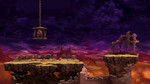




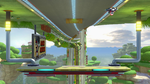

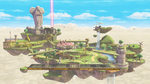
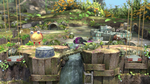


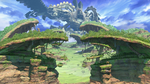


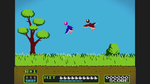



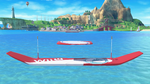




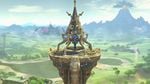
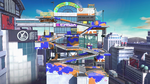

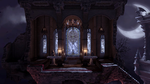

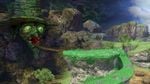

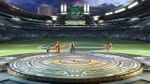

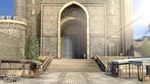
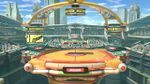

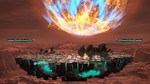


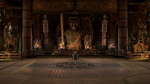



*This stage supports full 360° camera movement.
Trivia[edit]
- In stages that do not support 360° camera movement, it is possible to see the void behind where the camera normally is if the player turns the camera just enough to see it where the message does not pop up.
- While they cannot be normally selected in VR, 75 m, Midgar, and Mementos have properly defined camera parameters that allow the stages to be moved around.
- Masahiro Sakurai revealed in a YouTube video that VR support was in his initial project pitch for Ultimate, years before Nintendo Labo officially released.[1]
- Due to utilizing the same technology as the Nintendo Labo VR kit, the Nintendo Switch Online Virtual Boy accessories are compatible with this mode.
References[edit]

